

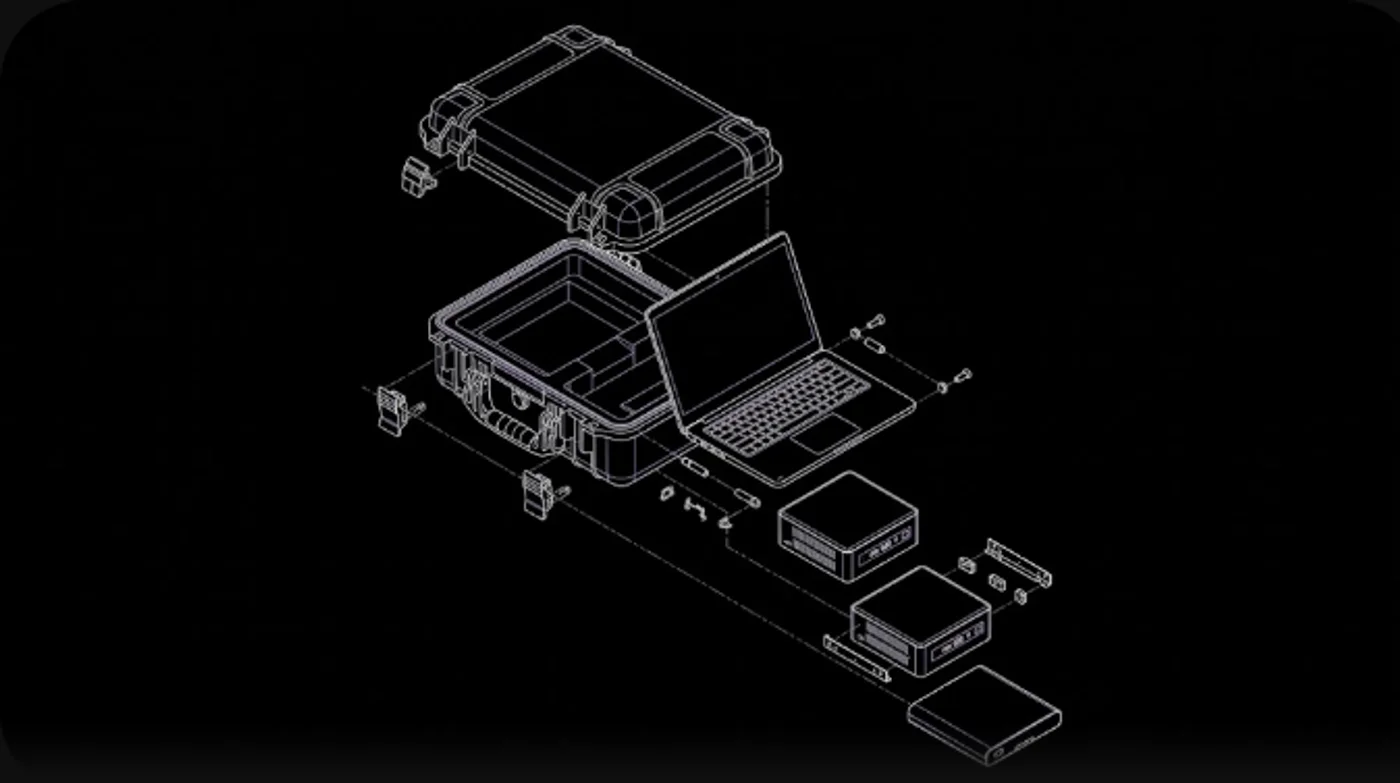
Everything the unit needs to run is inside the case
RAPTOR puts every model and the interface on hardware you own. Documents, imagery and audio are processed on the unit, and the results stay there.
One screen for the operator
The RAPTOR console is the control plane on the unit. It lists every installed capability, deploys the one the operator needs in a single click, and shows its health, logs and configuration on the same screen.
One capability runs on a node at a time, so memory and power stay predictable and it is always obvious what is running. The standard two-node unit runs two at once, and a third node adds a third.
Installed on every unit
- 01
LLMs
Drafting, summarising and extracting from text, on large language models that run on the unit.
- 02
Translation
Text translation for operational documents, entirely on the unit.
- 03
Transcription
Speech to text across many languages.
- 04
Image and document analysis
Ask questions about a frame, a scene or a change between two, and turn scans and PDFs into searchable, structured text.
- 05
Image generation
Briefing visuals and synthetic training data, generated on the node.
Bespoke capabilities
Beyond the installed set, capabilities can be developed for a specific mission, data type or workflow and delivered to the unit the same way.
Works with the feeds and files you already have
- Files the unit can see
- Footage, recordings and scans are read from storage the unit mounts on your network, such as the share a recorder or scanner already writes to.
- Systems you already run
- Software on your site network can send material to the unit and receive results back, without installing anything on the source system.
- Material carried in
- Removable media is how data crosses an air gap in practice. Anything brought in is scanned before it reaches the analysis stack.
Continuous ingestion from a specific camera, sensor bus or message queue is integration work scoped with you per deployment.
Built for the boundary
- Physically isolated
- No network path is needed at any point, from first boot onwards, so there is no route out for data and no route in for an attacker.
- Scanned on entry
- Media from outside the boundary is checked before any model reads it.
- Encrypted at rest
- Model weights and the material you process are stored on the unit’s own encrypted storage.
- Updated offline
- New models and platform versions are delivered offline and applied on your own schedule. Nothing is pushed to the unit.
Questions, answered
Tell us what you need to process
We size and quote a configuration to your workload and, where your security posture allows, set up an evaluation on your own material.